You filmed it. Now finish it.

Chewbr is the finishing system for YouTubers. The workflow that carries a video from "filmed" to "published", so the 47 small jobs in between stop falling through the cracks.

For every video you filmed, edited, and never posted.

The bit that stalls channels

Filming is the easy bit.

Forty-seven small jobs sit between "filmed" and "published": thumbnails, chapters, end screens, the Short you never cut. Any one of them is where a video goes to die. Chewbr puts them in a line — all 47, in order, one video at a time.

What Chewbr does

You film it. Chewbr keeps it moving.

Every video you start gets an interactive 47-step checklist, split across five phases. Open a step and the tool it needs is already there, so you stay on the video instead of bouncing across five tabs. Tick it, move on. The video keeps moving until it's live and being watched.

We built it because our own footage kept dying in folders. Every block below starts with something we've said out loud ourselves, and every screen is the live app — the only edit is a blur where it names the channel.

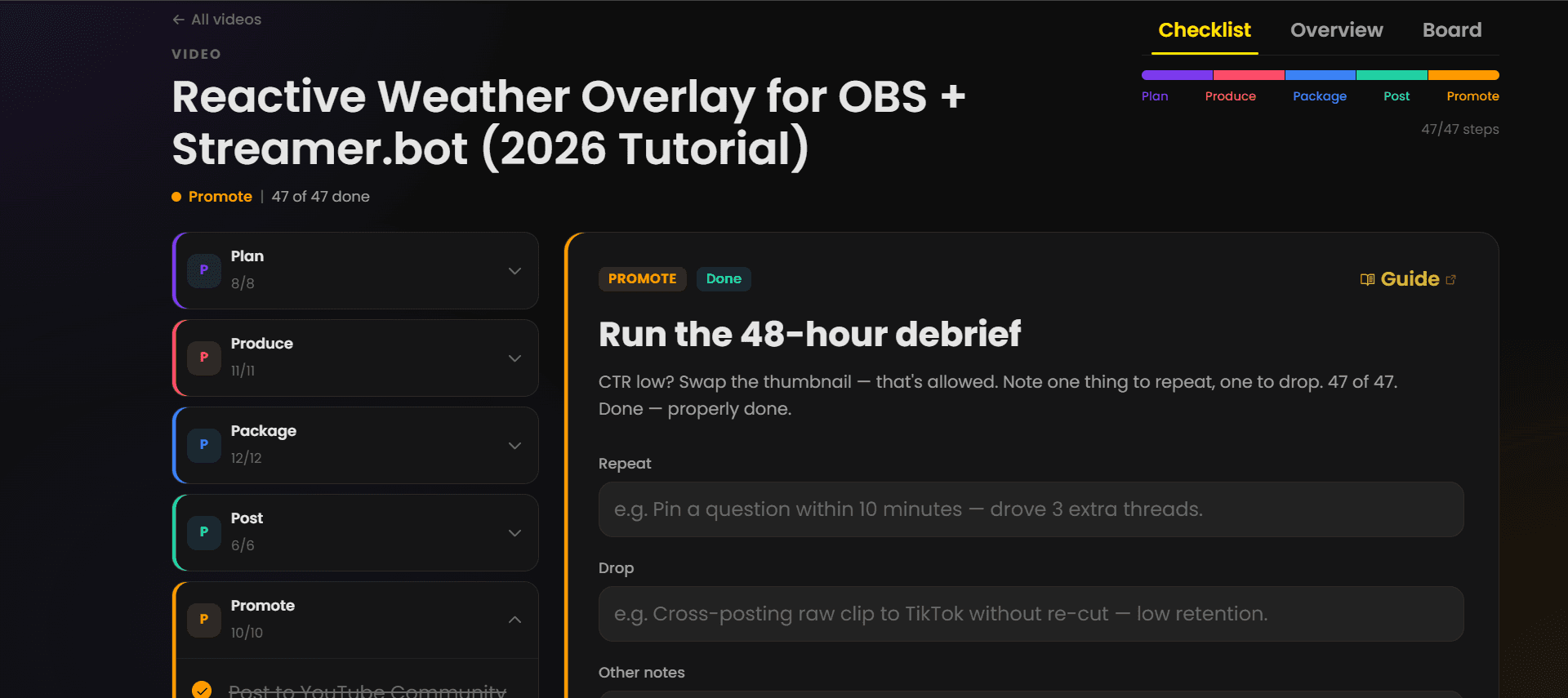
A finished video in Chewbr: 47 of 47 steps done, every phase complete — Plan 8/8, Produce 11/11, Package 12/12, Post 6/6, Promote 10/10
A real video at 47 of 47 done — the live app as it runs today.
  1. Plan

    I film whatever I thought of in the shower.

    Ideas get scored before they cost you a week. The ranker and keyword research tell you what people are searching for, and the calendar decides which idea earns a publish date.

    • Video idea ranker
    • Keyword research
    • Ideas inbox
    • Publishing calendar
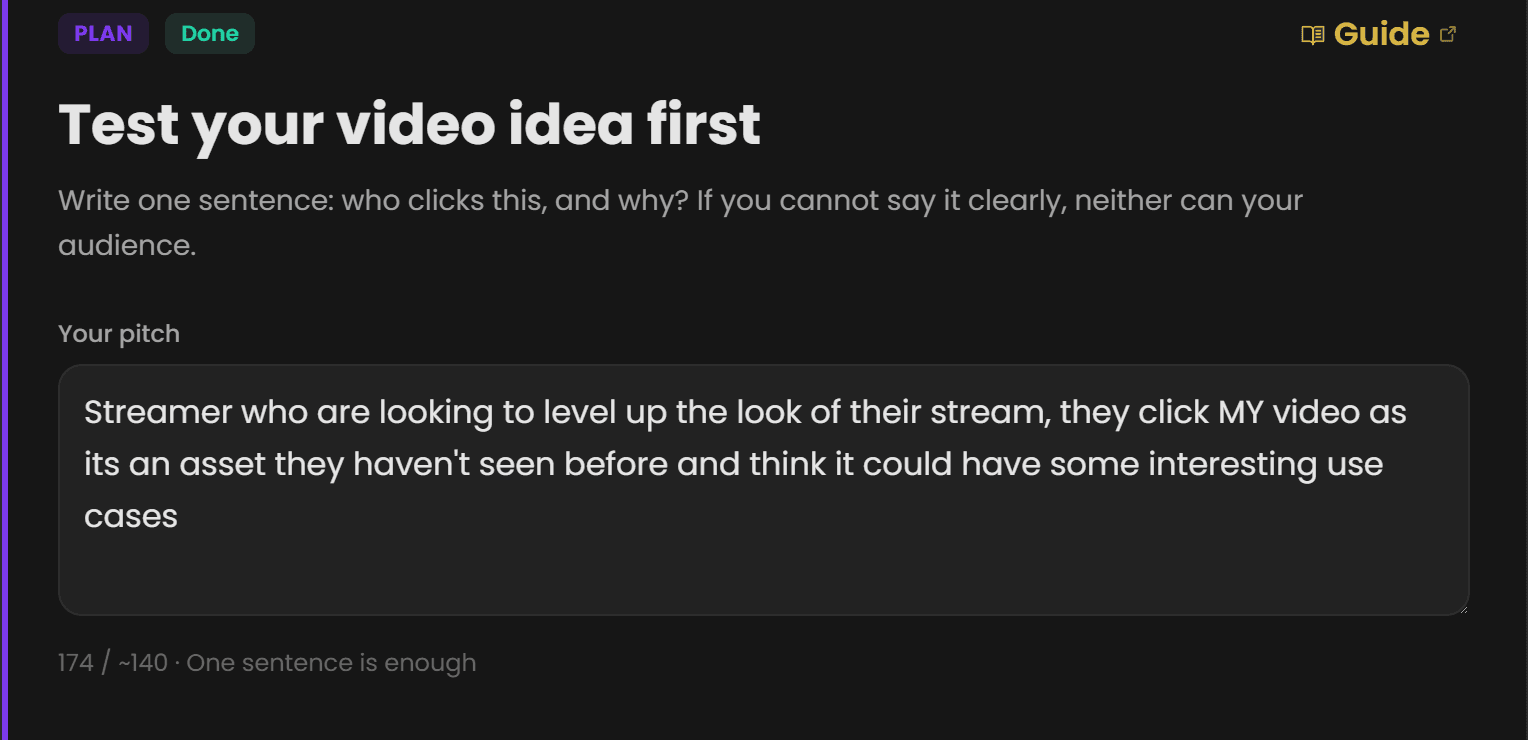
    The Plan step in Chewbr, marked done: the one-sentence pitch test with a real pitch written in
    The idea-test step from a finished video, pitch and all
  2. Produce

    ‘Edit it later’ is where my videos go to die.

    Scripting, shooting and the edit live as steps you tick, with hooks, outline and shot list drafted before you press record. The footage keeps moving instead of ageing in a folder.

    • Hooks & outline
    • Shot list
    • Script drafts
    • Teleprompter
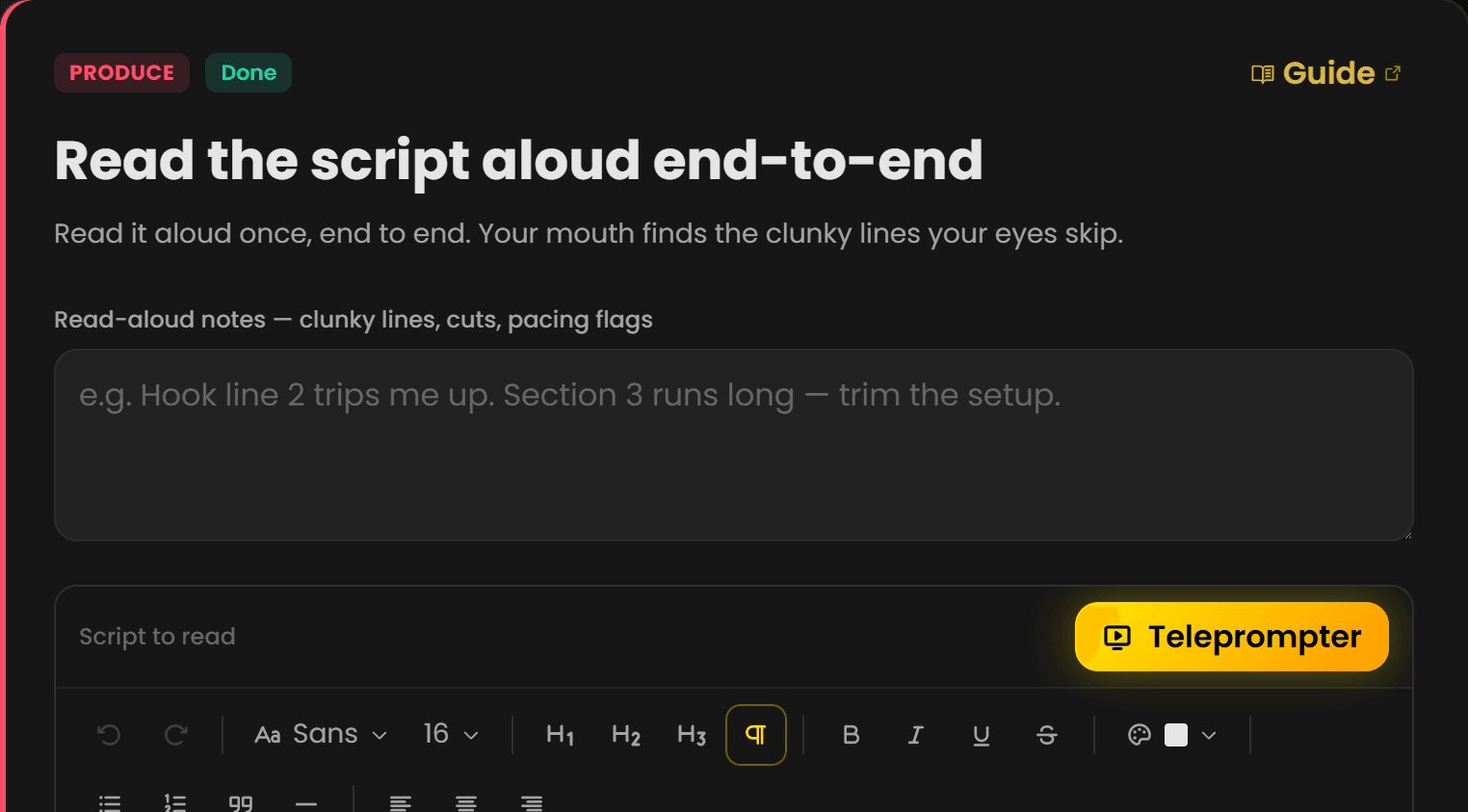
    The Produce step in Chewbr: read the script aloud, with the script editor and teleprompter
    The script read-aloud step, teleprompter included
  3. Package

    The thumbnail happens at midnight, five minutes before upload.

    Two thumbnails and five titles, made while you still care. The feed preview shrink-tests your package in a real home-feed layout against your niche neighbours, before anyone sees the video.

    • Thumbnail & title workspace
    • YouTube feed preview
    • Chapters, description & tags
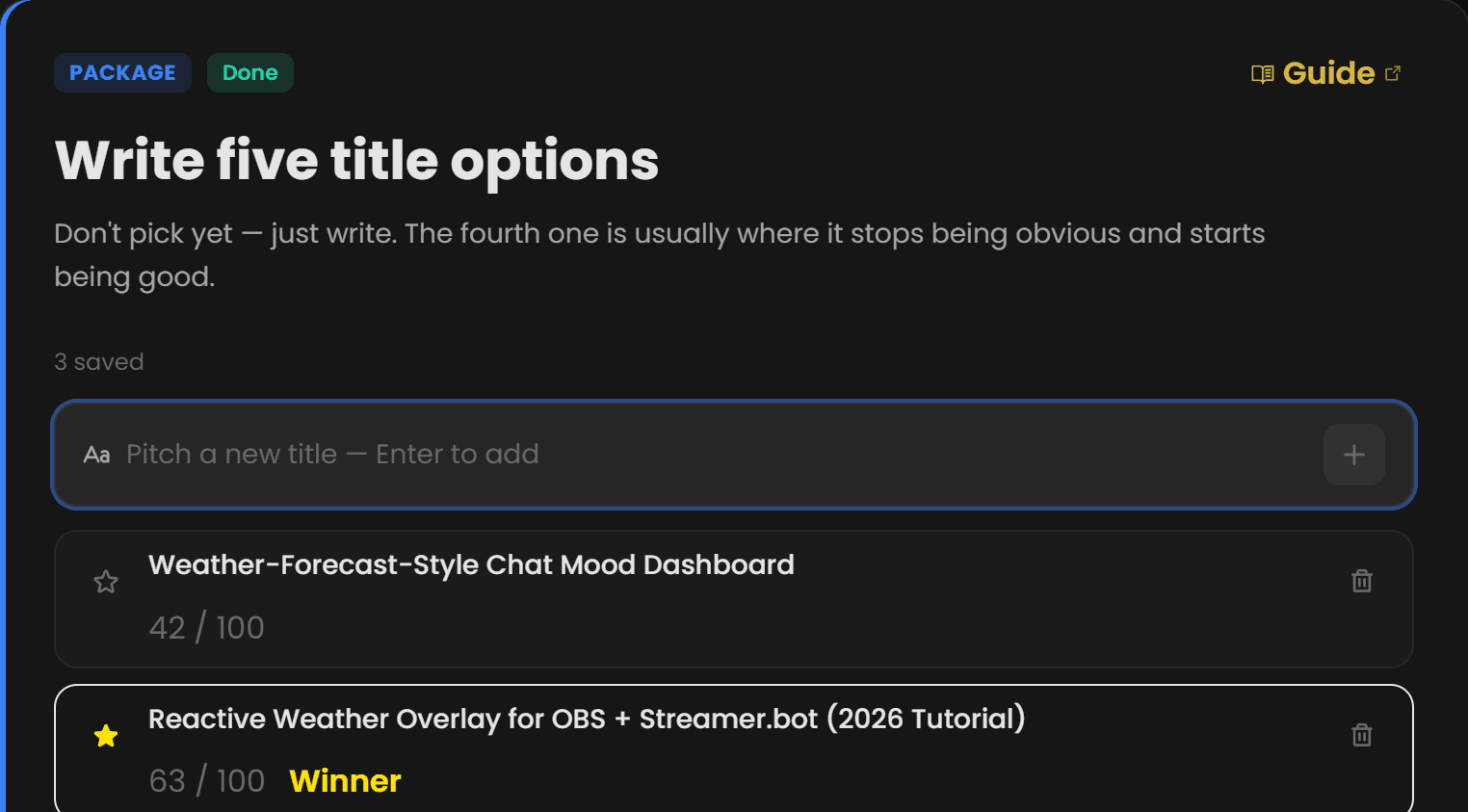
    The Package step in Chewbr: title options scored out of 100, with the winner starred
    Real title options, scored — the starred one won and shipped
  4. Post

    I hit publish and go to bed.

    Upload straight to YouTube from the workflow, then do the first hour properly: playback check, pinned question, early replies. That first hour decides whether YouTube shows the video to anyone.

    • YouTube upload
    • First-hour checks
    • Pinned comment
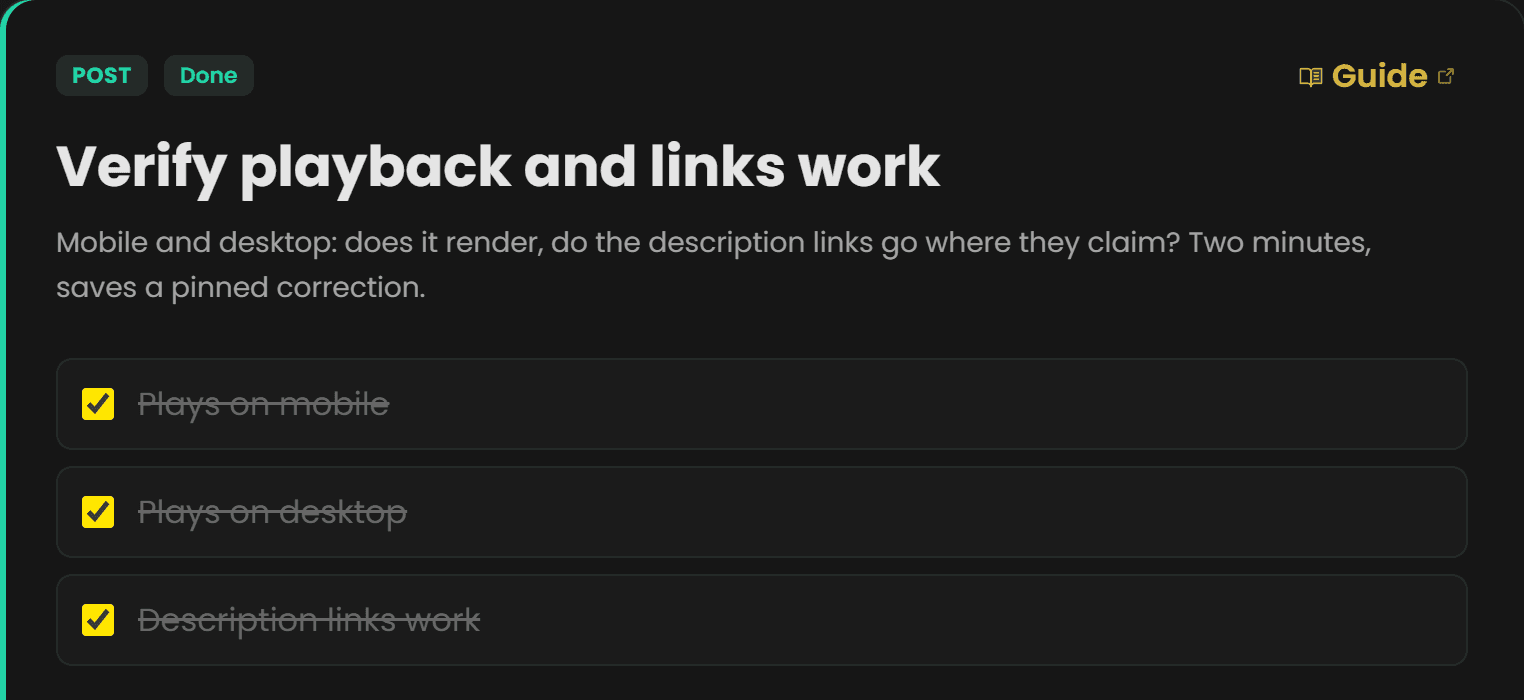
    The Post step in Chewbr with all three playback checks ticked: mobile, desktop, description links
    The first-hour playback check, every box ticked
  5. Promote

    One upload, then silence until the next one.

    The video keeps working after launch. A community post, Shorts cuts and a 48-hour reply window all sit as steps on the same video, so promotion stops being a separate project you never start.

    • Community post
    • Shorts cuts
    • 48-hour reply window
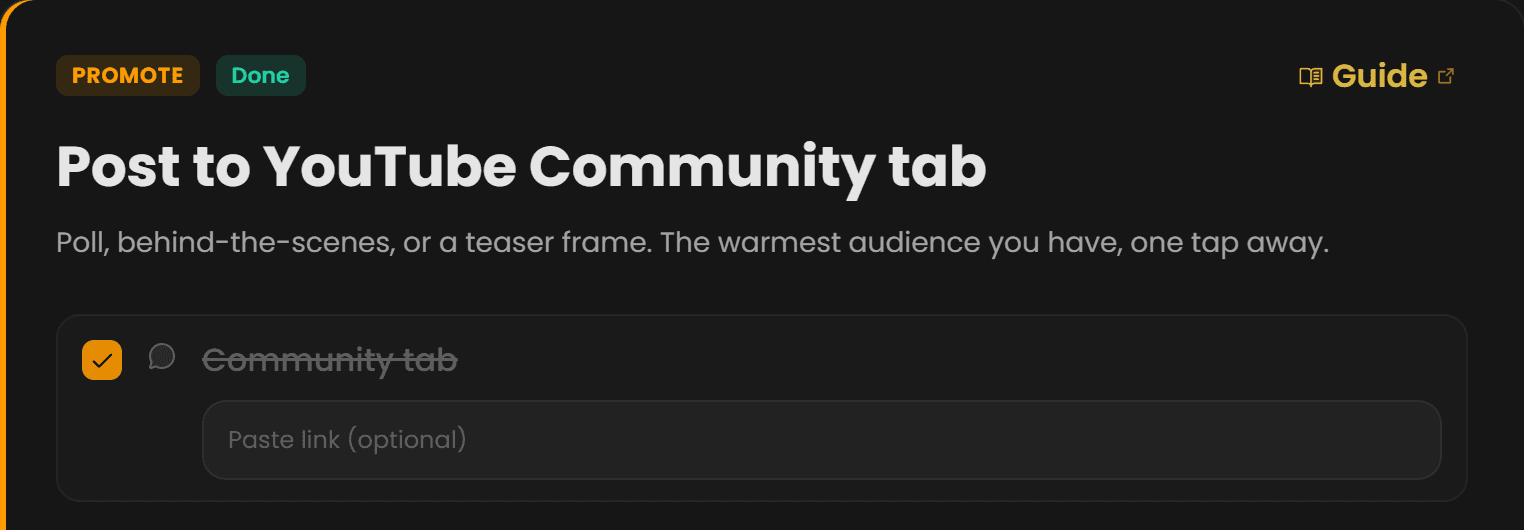
    The Promote step in Chewbr, done: the YouTube Community tab post ticked off
    The Community-tab step, done and ticked
  6. Shipped

    I can't tell if any of this is working.

    Streaks and XP are tied to real checklist work, and analytics arrive once a video ships. You can watch the habit form, which is what keeps the next upload on the calendar.

    • Streaks & XP
    • Analytics
    • Knowledge Bank
    • Free channel audit
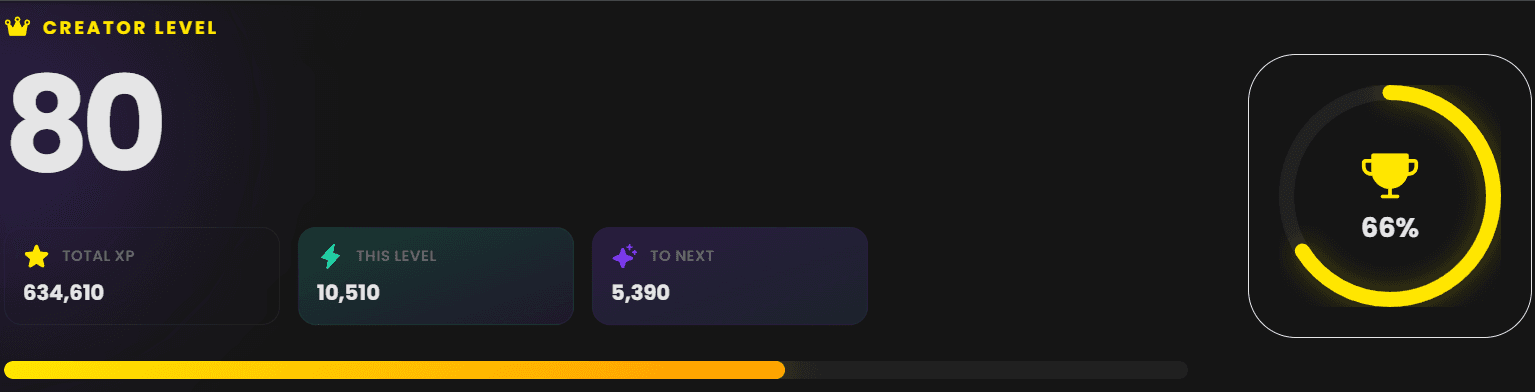
    Chewbr Progress: creator level 80, 634,610 total XP, 66% of the way to the next level
    A real account's level card — XP earned from checklist work and channel activity

The median YouTube channel has 61 subscribers (McGrady et al., 2023). Talent is rarely the bottleneck. Workflow is.

What changes once the checklist runs end to end

Package

47 tasks

tracked, none skipped

Post

About 3 hours

back per upload

Progress

14 weeks

the streak you'll actually keep

Shipped

52 uploads

a year at one a week. Channels grow on that.

Founder Package

100 Founders. Cap of one hundred.

Lifetime Pro for a one-off $99. Lifetime Pro + 11 perks. Numbered spots only; when they are gone, the package retires.

  • A physical founders notebook in the post.
  • First into the closed beta the day it opens.
  • Private Founders Discord with Chris and Corey
  • Priority support, replied to by Chris
  • Monthly Founder-only newsletter
  • Lifetime early access to every new feature
  • Founder vote on roadmap priorities
  • Permanent Founder tag and badge
  • Your name on the Founders Wall
  • Onboarding-week social shoutout
  • A founder certificate with your number on it.

100left

0 of 100 claimed

See the Founders package

Before you decide

The questions people ask before joining.

01

Post

What if it's not for me?

Start on Free with no card and use the core workflow for as long as you like. On Pro you can cancel in one click and you're never charged again. If you are unsure in your first 30 days on Pro monthly, message us and we'll add two months free so you can decide properly.

02

Promote

When can I actually get in?

The closed beta is coming soon, with no set date yet. Founders get in first, from day one. Everyone on the waitlist gets an email when it opens.

03

Pro

What does it cost?

Free to start: one channel, three active pieces, no card. Pro is $24 a month, or $19 a month billed yearly. Or back the build once for $99 and get Pro for life, while the 100 Founder spots last.

Videos that ship week after week, and a channel that grows on the consistency.

You've filmed enough videos that never went up. Be first through the door the day the beta opens. No set date yet. We'll email you.